Drift
Privacy-first desktop browser with a built-in team of AI agents you name yourself. (Alpha)
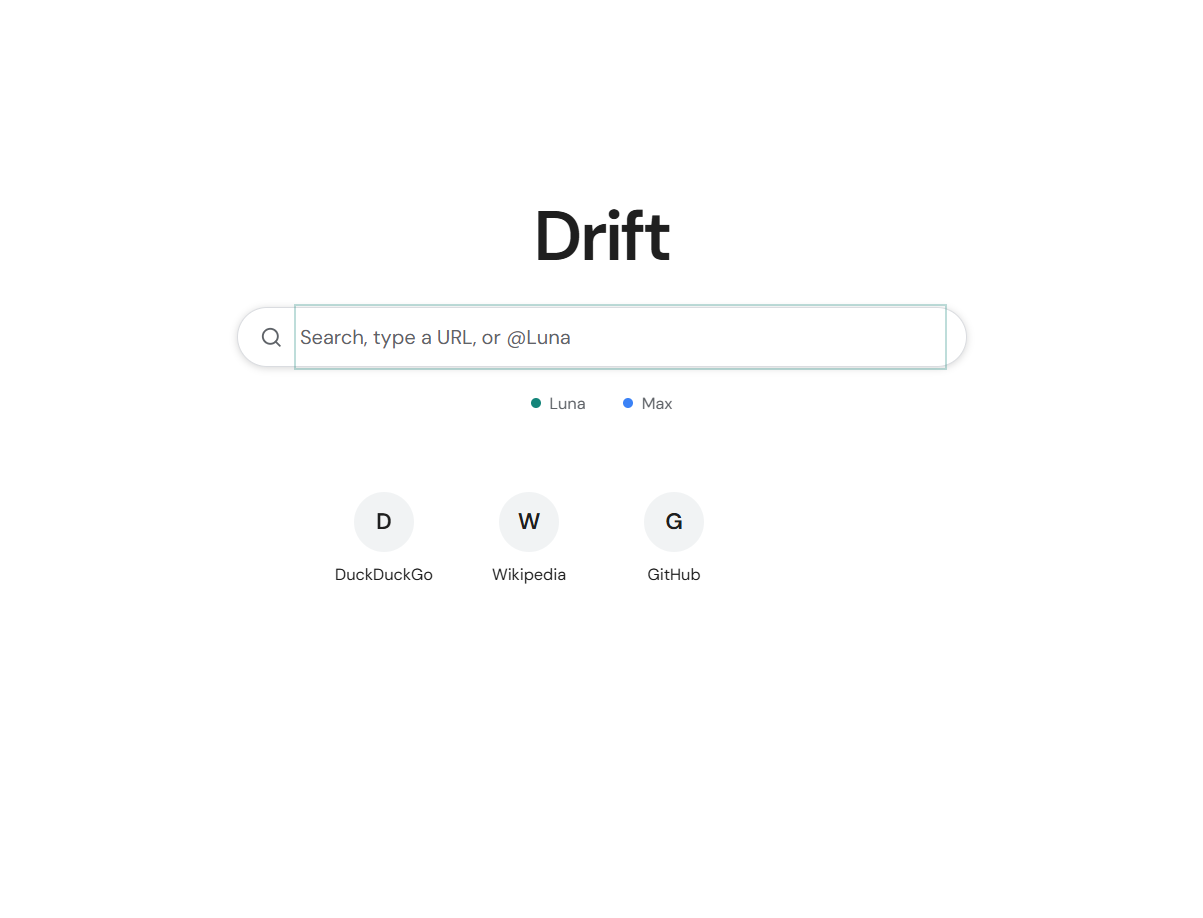
A browser where you name the team
Drift pairs a clean, fast Chromium browsing frame with a side panel where your AI agents live. Instead of one generic chatbot, you keep a small team of named agents—like Luna for web research and Max for fact-checking—and pick the exact OpenRouter model each agent runs on, or start immediately with Drift Free with no API key required.
Read the build notes ↓Portable Windows release (v0.1.8). Free & unsigned — on first launch, click More info → Run anyway if SmartScreen prompts.
About this project
A Chrome-style desktop browser for Windows built on Electron with a Tot-style side panel housing a team of autonomous AI agents. Each agent has its own name, avatar, OpenRouter model, and browser tabs, and agents can message or wake teammates to collaborate on multi-step research. Built from the ground up for privacy: network-level tracker and ad blocking, tracking query parameter stripping, secret redaction before webpage text reaches any AI model, an encrypted local password vault with reminder hints, and one-click sign-in to obstudio.org.
Built with
How to use it
- Ctrl + T / Ctrl + W
- Open a new tab or close the current tab. Ctrl + Shift + T reopens the last closed tab.
- Ctrl + L
- Focus the address bar. Type a URL, a search query, or @AgentName to hand a task straight to an agent.
- Ctrl + J
- Toggle the right-hand AI Agents side panel.
- Ctrl + F
- Find text on the current page.
- Lock Icon (Address Bar)
- Inspect blocked trackers on the current site and toggle Privacy Shield protections.
- Key Icon (Address Bar)
- Appears when the current site has a saved login in your local encrypted vault; click to autofill or view your reminder hint.
Build notes.
A browser where you name the team
Drift pairs a clean, fast Chromium browsing frame with a side panel where your AI agents live. Instead of one generic chatbot, you keep a small team of named agents—like Luna for web research and Max for fact-checking—and pick the exact OpenRouter model each agent runs on, or start immediately with Drift Free with no API key required.
Agents can search the web, open their own tabs, read articles, click and type on pages with a visible cursor overlay, and message or ask teammates questions over a built-in message bus. When an idle teammate receives a question, it wakes up automatically, does its own research, and replies.
Privacy Shield & Secret Redaction
Every tab runs behind a network-level Privacy Shield that blocks known ad, analytics, and fingerprinting domains before they load, strips tracking parameters (utm_*, fbclid, gclid, msclkid) from links, and sends Global Privacy Control (Sec-GPC: 1) headers.
Before any webpage text is passed to an AI model or saved to agent memory, Drift scrubs API keys, Bearer tokens, credit card numbers, and SSNs so secrets on a page are never leaked into model prompts. Consequential actions like buying, sending, deleting, or typing into password and card fields always pause for explicit Allow / Don't allow approval.
Encrypted Local Password Vault & Drift Account
Drift includes a local password vault encrypted on disk with Windows DPAPI (safeStorage). You can store logins alongside personal reminder hints, generate high-entropy passwords, and autofill them only after Drift verifies the live tab is on the matching HTTPS domain. Agents have zero access to the vault.
Signing in to a Drift account (with Google or email and password) lets you sign in to obstudio.org in one click from inside the browser, while keeping your tabs, agents, memories, and passwords strictly on your PC.